



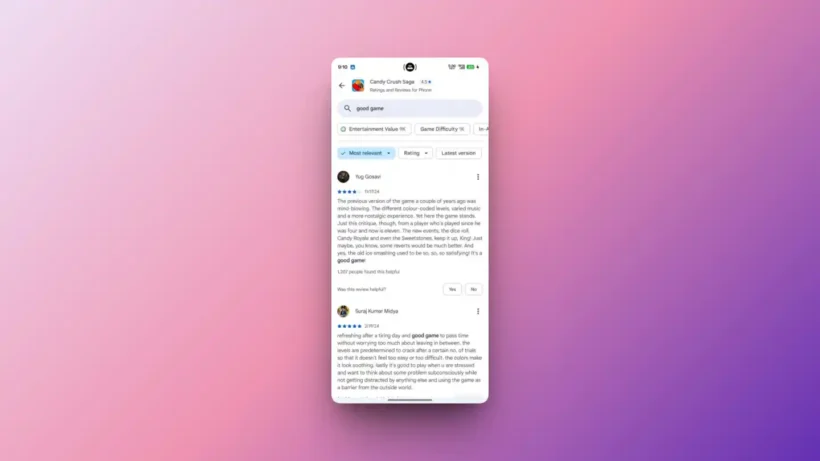
Google is rolling out a search bar in the Google Play Store (Android) that allows users to search for specific keywords or phrases within app reviews. Located in the “See all reviews” section, this feature lets you filter feedback on specific topics like “ads,” “bugs,” or “subscription,” replacing the need to scroll through thousands of comments.
TABLE OF CONTENTS
How it Works
To locate the tool, Navigate to an apps listing, go to “Ratings & Reviews,” and tap “See all reviews.” The search bar appears at the top.
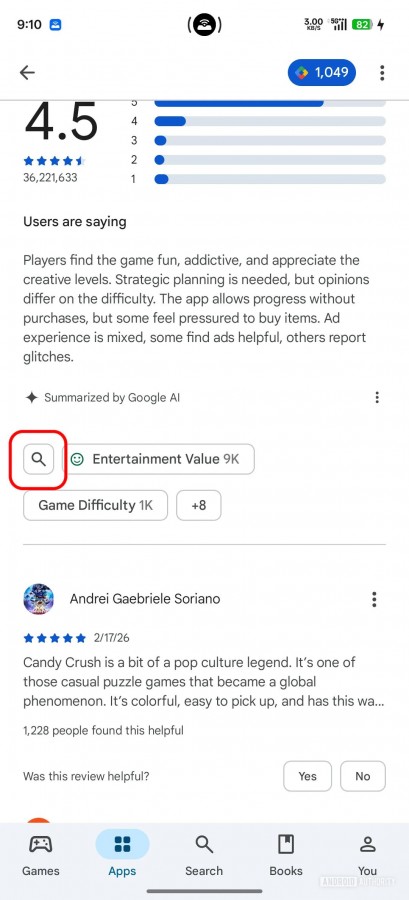
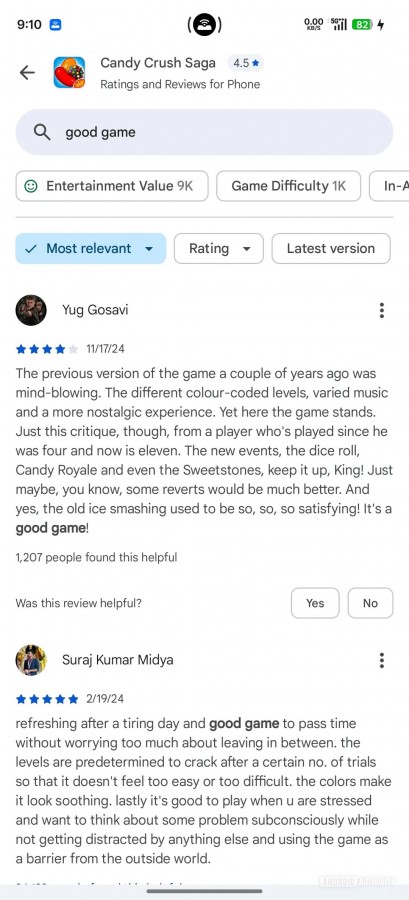
Currently, it requires specific terms or phrases (often two or more words) and will bold the matching text in the results.
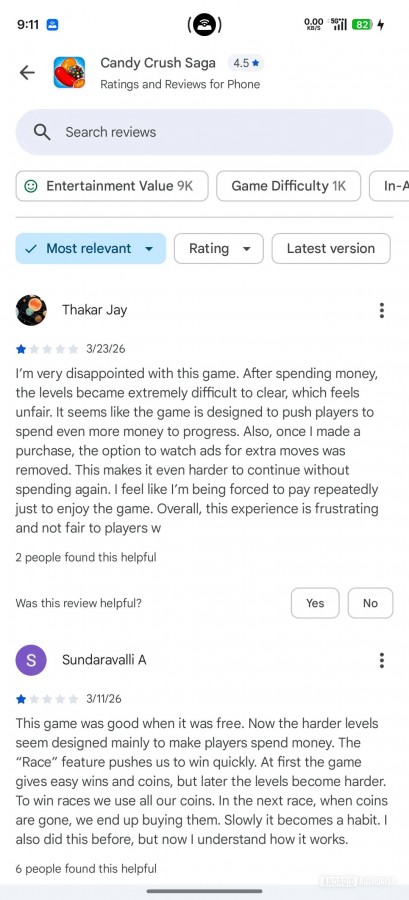
The interface often provides clickable suggestion chips for common topics like “slow,” “paid,” or “crashes”.
This feature is actively rolling out now, but if not available, ensure you are on the latest Play Store version by going to Settings > About > Update Play Store.
Why This Matters
Faster Evaluation by Instantly find if an app has a specific feature, experiences frequent crashes, or is crowded with ads before downloading.
Helps users spot red flags in reviews regarding scams or poor performance and also it enables direct comparison of user experiences, particularly for paid apps.