
MU-ARMS stands for the Mzumbe University Academic Records Management System, a digital portal for students to manage academic activities. It enables users to register for courses and exams, verify payments, check program structures, print exam cards, and handle final year clearance.
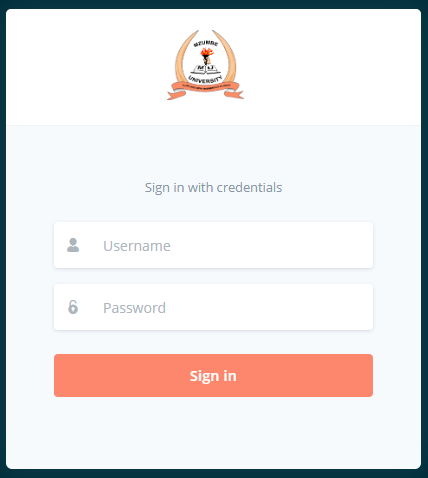
Access the Portal: Visit the official MU-ARMS portal https://arms.mzumbe.ac.tz
https://arms.mzumbe.ac.tz/
Key features of the MU-ARMS system include:
- Course and Exam Registration: Students use the platform to register for courses each semester and sign up for examinations.
- Payment Verification: The system allows users to view their payment statements, including debit/credit amounts and current balances.
- Academic Records: It holds program structures and allows students to access their records.
- Administrative Tasks: Students can print examination cards and perform final year clearance and request transcripts or certificates.
- Access: Students log in using a unique username and password to access their personalized dashboards.
The system is used across Mzumbe University campuses to streamline administrative and academic processes.
How to Use
- Login: Use your assigned credentials to log in. If you are a new user or have forgotten your password, follow the prompts on the login page to reset or retrieve your login information.
- Navigate the Dashboard: Once logged in, you can access various features such as course registration, academic records, and timetables.
- Update Information: Ensure your personal and academic information is up to date to receive accurate communications and services.
MU-ARMS FAQ
How do I log in to the MU-ARMS portal?
To log in, visit the official Mzumbe University ARMS website (arms.mzumbe.ac.tz). Enter your Student Registration Number as your username and your current password. If it is your first time, use the default credentials provided in your admission letter.
How do I register for courses on MU-ARMS?
Once logged in, navigate to the 'Course Registration' or 'My Courses' section. Select the current academic year and semester, tick the checkboxes for your required core and elective modules, and click submit to send them for approval.
Why can't I see my examination results?
If you cannot view your results, it is most likely because you have outstanding fee balances. The system automatically blocks access to results until the required tuition or direct costs are paid and cleared in the system.
How do I reset my MU-ARMS password?
If you have forgotten your password, click the 'Forgot Password' link on the login page. Enter your User ID (Registration Number), and a password reset link or token will be sent to the email address linked to your student profile.